
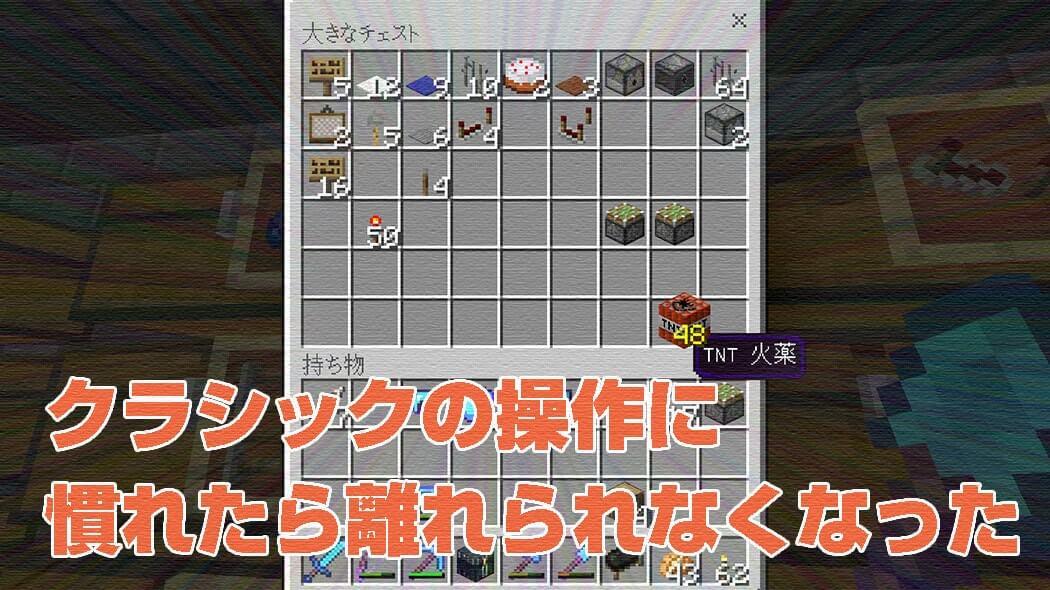
Minecraft PE v1.2.9 had a serious bug.
Before that update, I could move a whole stack of items by pressing and holding it.
After the update, pressing and holding no longer moved the stack at once.
Having to tap repeatedly every time I wanted to move items was extremely inconvenient.
It was serious enough to make me wonder whether players might stop playing because of it.
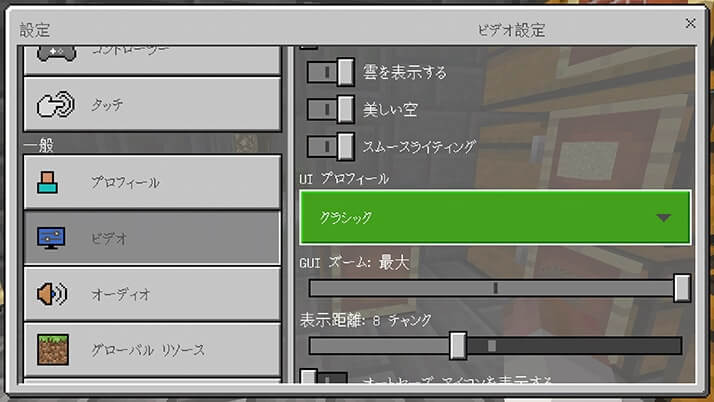
For the time being, I dealt with the problem by changing the UI Profile from Pocket to Classic.
The bug felt quite critical, but for some reason it was not fixed in v1.2.10.
It was finally corrected in v1.2.11, and item transfers worked as they had before.
Once I confirmed the fix, I changed the UI Profile back to Pocket and tried to continue playing.
However, the controls somehow felt strange.
Even though the bug was gone, before long I had switched back to Classic.
Perhaps I had simply grown used to it.
The Classic UI Profile might actually have been easier for me to use than Pocket.
Once I Got Used to Classic, I Could Not Leave It
The bug that appeared in v1.2.9 was quite a surprise.
Many other people seemed to be having the same problem, and I received comments and questions about it.
As described in that article, the workaround was to change the UI Profile from Pocket to Classic.
The problem remained in v1.2.10 and was finally fixed in v1.2.11, which arrived some time later.
Even after the fix, however, I did not feel like switching from Classic back to Pocket.
When I tried Pocket again, it felt inconvenient rather than easier to use.
So I accepted that preference and continued playing with Classic.
### The Classic UI Profile Could Be Quite Convenient
Here are the differences I noticed between the Classic and Pocket controls at the time.
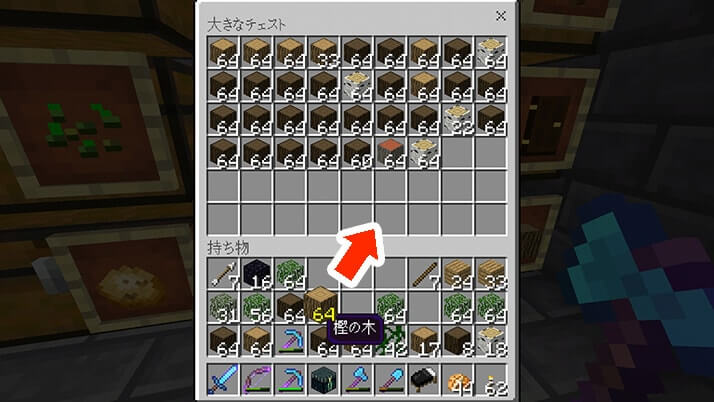
With Pocket, I moved a whole stack between a chest and my inventory by pressing and holding it.
With Classic, I could tap the item in my inventory and then tap the chest inventory to move the whole stack.
There was no need to press and hold, so this felt easier.
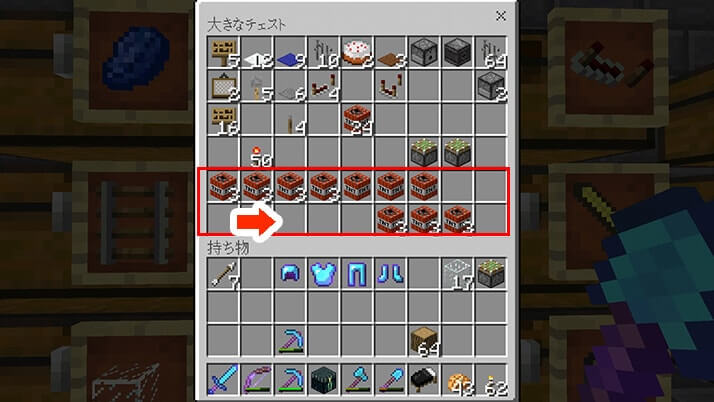
Moving only one item required a little more effort.
I could split items by tapping a stack and then flicking it sideways.
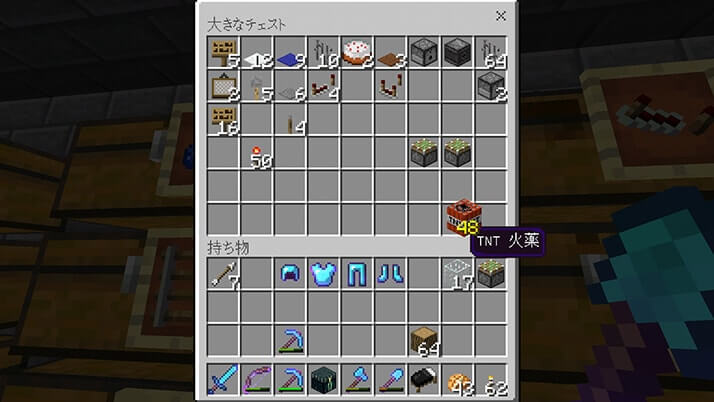
When matching items were scattered around the inventory, double-tapping the item I wanted to gather brought the identical items together.
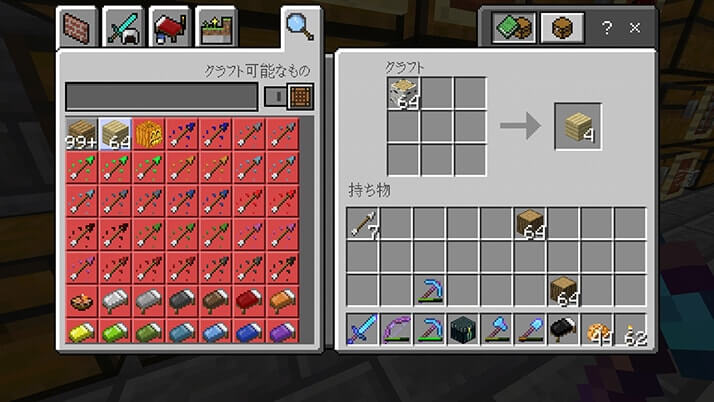
The crafting screen looked like this.
It did not feel awkward either, and I found it quite convenient.
Everyone has a different idea of what feels easy to use, and familiarity also matters.
Still, if moving stacks in the Pocket profile felt troublesome, trying Classic was another option at the time.
The UI Profile setting was available under Settings, then Video, and then UI Profile.