
Greetings.
I am a man in a suit who has fallen into the world of Minecraft.
Last time, I visited trail ruins and excavated suspicious gravel with a brush.
A small display themed around the trail ruins still stands at the mountaintop air cargo station.
This time, I am taking another look at that display and building an archaeology museum in the castle town.
Using Pottery Sherds to make a Decorated Pot
First, I looked over the display from the previous episode.
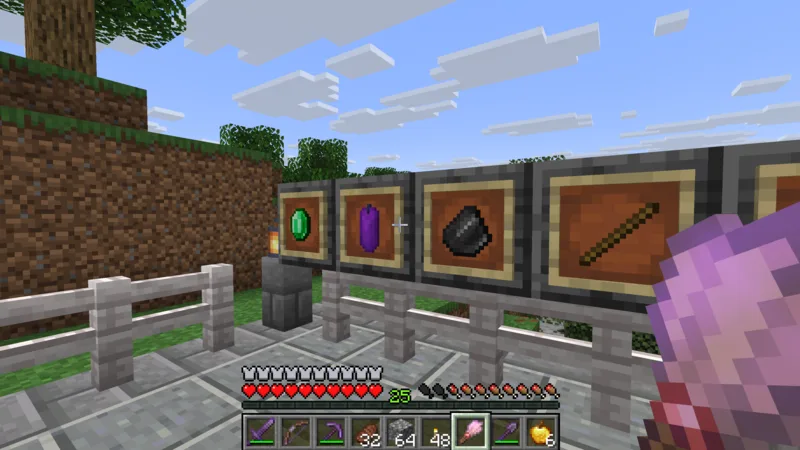
I liked the little collection of four item frames, but I continued excavating after visiting the trail ruins and gathered Pottery Sherds that could be used for a Decorated Pot.
The sherds I actually found with a brush were three Grain Pottery Sherds and one Heart Pottery Sherd.
The official Java Edition 1.20 release notes explain that crafting four Pottery Sherds together creates a Decorated Pot with a picture on each side.
I placed the four sherds in a diamond shape at the top, left, right, and bottom of the crafting grid.
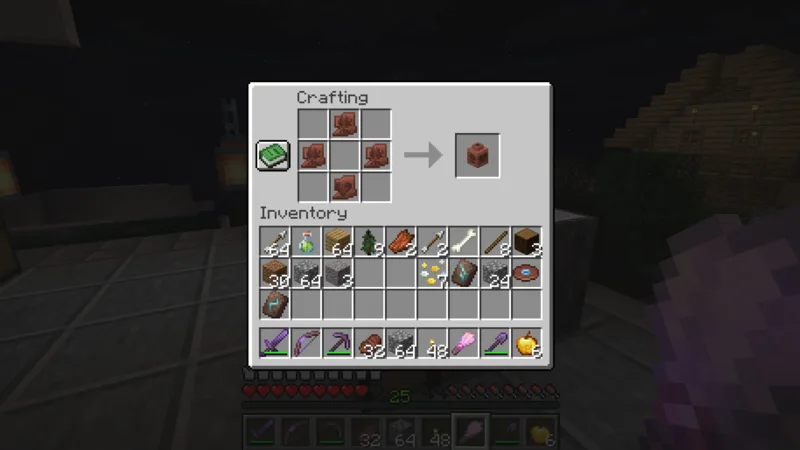
A patterned Decorated Pot appeared in the result slot.
Now that I had made one, it deserved a proper building where it could be displayed.
Building an archaeology museum in the castle town
I chose a spot beside the mountaintop air cargo station.
Here, the museum would connect visually with the earlier archaeology display and the wall of goat horns.
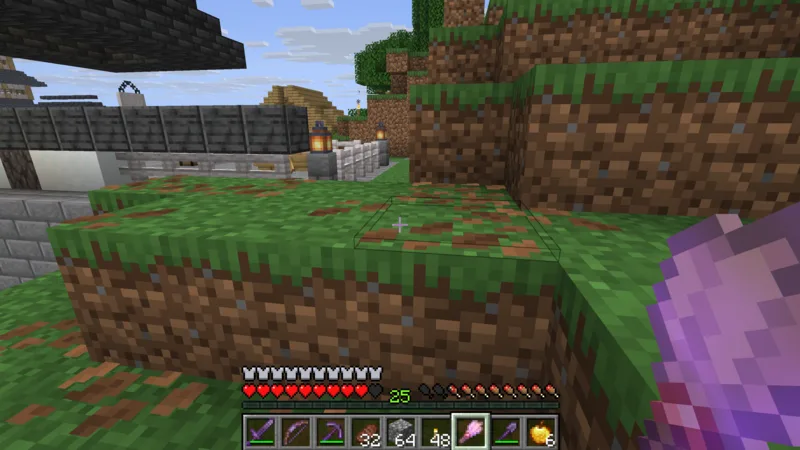
I prepared the ground and made a 9-by-6 floor from stone bricks.
A polished andesite walkway runs through the center.
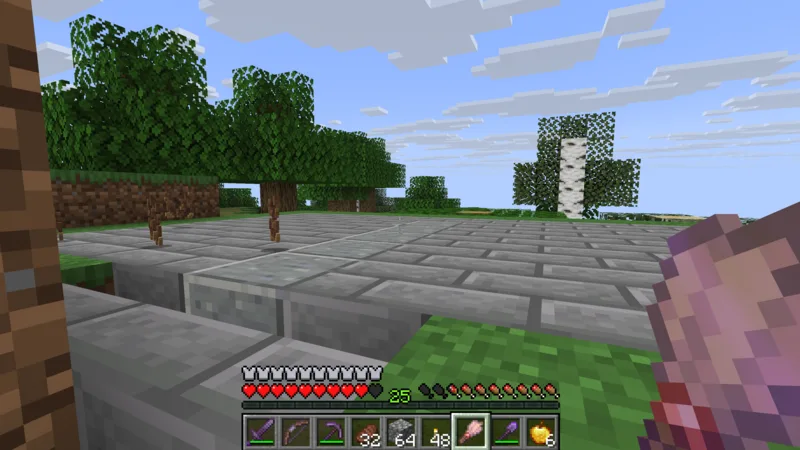
Pale oak logs became the corner posts and supports along the walls.
I layered stone bricks and calcite for the walls, then added glass panes for the windows.
The roof was kept low with deepslate tiles.
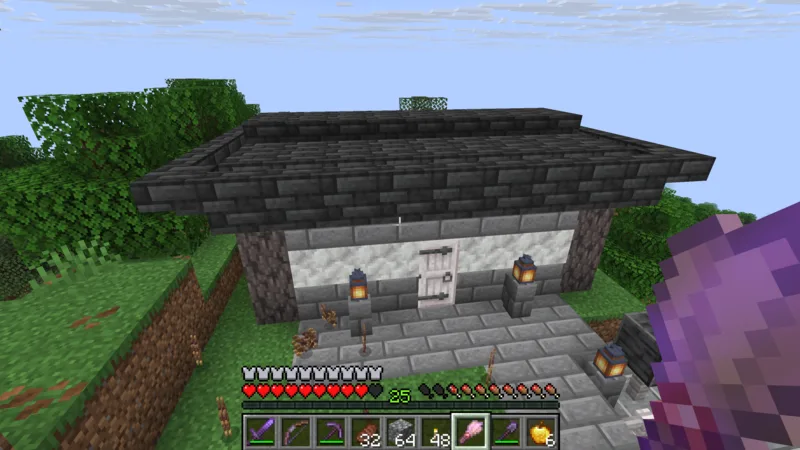
In front of the entrance, I built a stone-brick forecourt and steps leading up from the air cargo station.
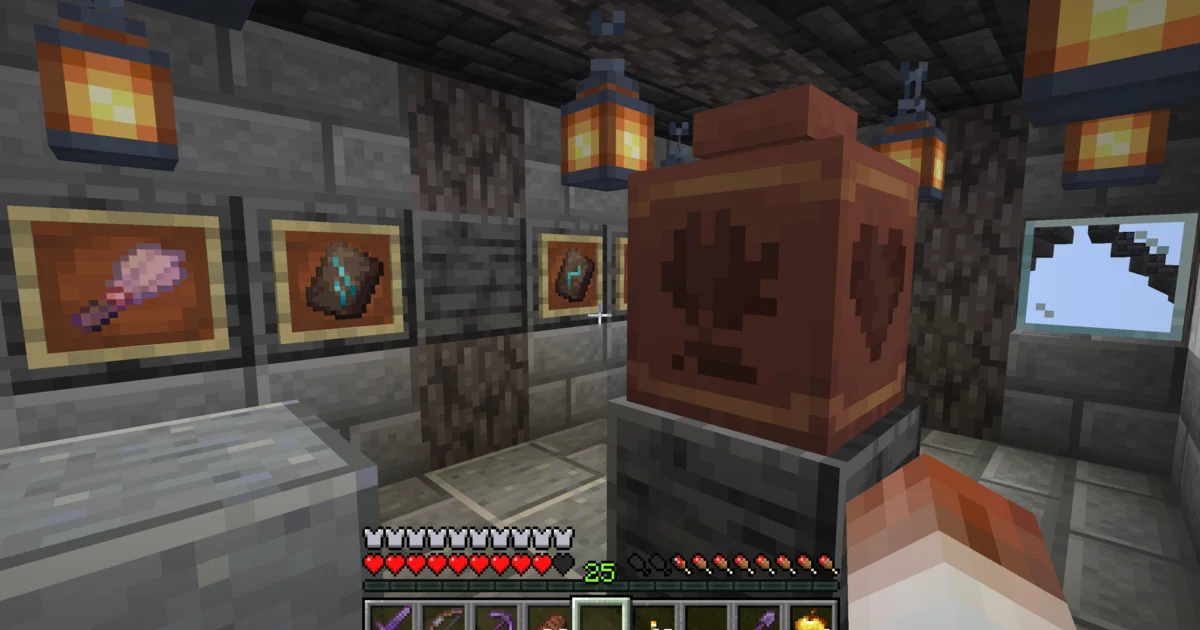
Inside, I arranged display stands and placed four item frames along the north wall.
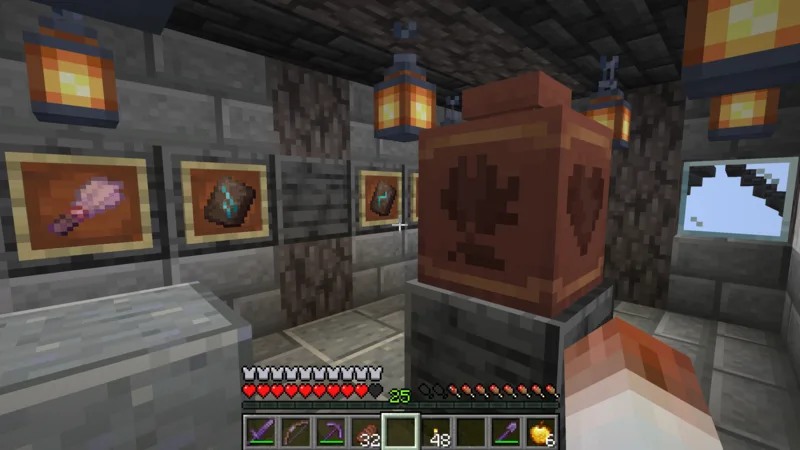
The frames hold the brush used this time, along with a Wayfinder Armor Trim Smithing Template, a Shaper Armor Trim Smithing Template, and the Relic Music Disc found during the additional excavation.
I left the small display from the previous episode untouched as a separate exhibit outside the museum.
Looking at the Heart and Grain patterns on the pot
I placed the finished Decorated Pot on the center display stand.
From the entrance side, the front shows a Heart pattern.
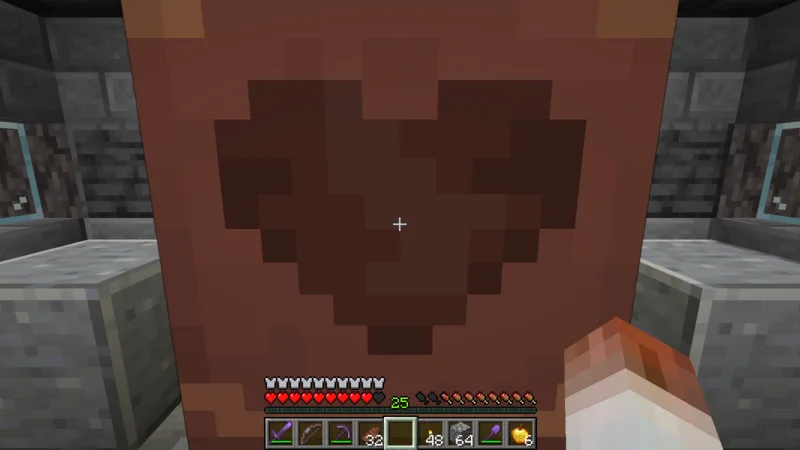
In this attempt, the sherd placed in the bottom slot of the crafting grid appeared on the side facing me when I placed the pot.
Because I put the Heart Pottery Sherd in the bottom slot, the Heart became the front pattern.
Walking around to the opposite side revealed a Grain pattern.
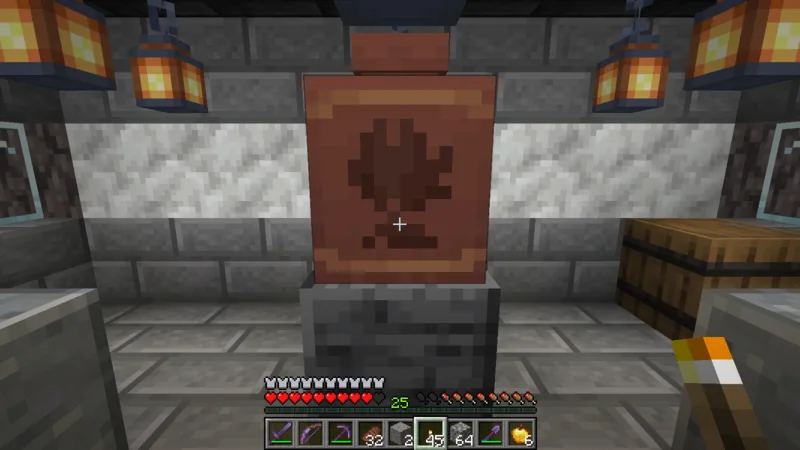
With this pot, I also confirmed that the sherd in the top slot appeared on the side opposite the front.
Both side faces also show Grain patterns. Because all three of those sherds were the same, I could not distinguish which side of the pot corresponded to the left and right crafting slots.
The official Java Edition 1.20.3 release notes state that a Decorated Pot can store up to one stack of items and has no chest-like interface.
In my test, using gravel on the pot inserted the pieces one at a time.
When I broke it with a netherite pickaxe, the four sherds used to make it and the gravel stored inside dropped onto the floor.
The official information also explains that breaking a Decorated Pot with a block-breaking tool returns its Pottery Sherds.
The archaeology museum is complete
I hung a sign reading "Archaeology Museum" above the entrance.
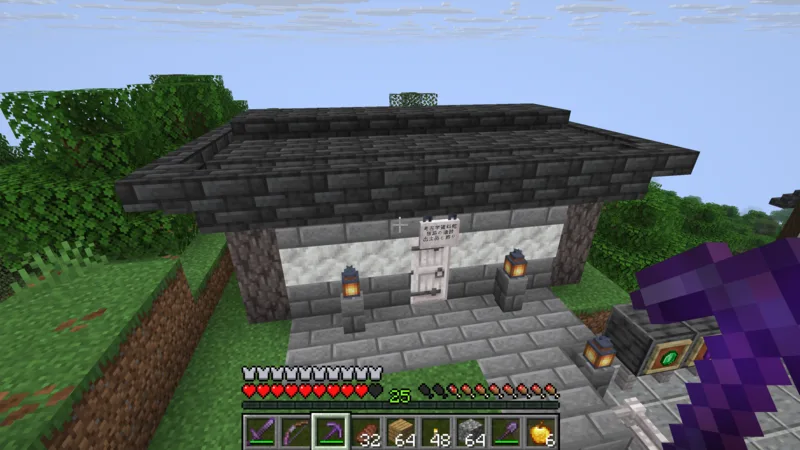
Stone bricks, calcite, pale oak, and deepslate tiles.
Using the same building materials as the mountaintop air cargo station helped the new museum settle naturally into the neighboring scenery.
Inside, I can look at the brush, the excavation finds, and the Decorated Pot with its Heart and Grain patterns.

The archaeology record that began with a small display now has a proper home.
That is all for this time.
Greetings.