Greetings.
I am a man in a suit who has fallen into the world of Minecraft.
In this Minecraft Java Edition 1.21.11 test, touching a placed banner while holding the map added a marker of the same color.
Using the castle-town map I made, this article shows how I craft a blank map, expand it with a cartography table, add banner markers, and display the finished map in an item frame.
Adding and removing the markers are observations from this Java Edition test. I do not present them as Bedrock Edition instructions.
Make a Map and Expand It with a Cartography Table
The materials are paper, a compass, a cartography table, and banners for the places you want to mark.
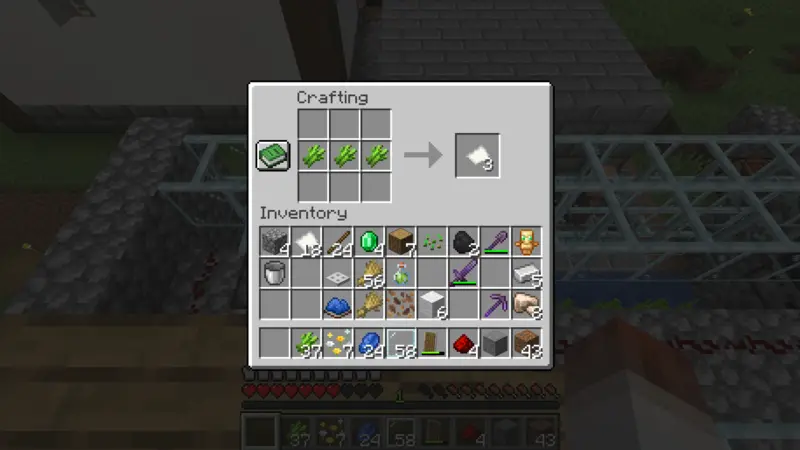
Three sugar canes placed in a horizontal row make three pieces of paper. In this town, I start with 64 sugar canes and turn them into paper for the map.
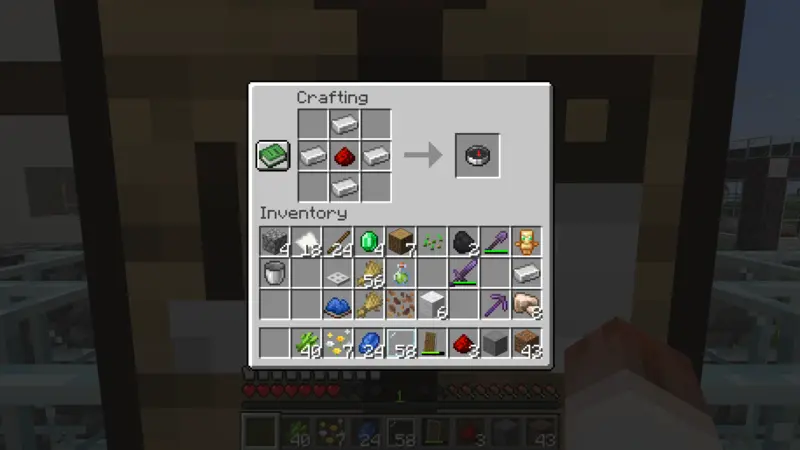
A compass is crafted by surrounding one redstone dust with four iron ingots. The official Minecraft compass article shows the same arrangement.
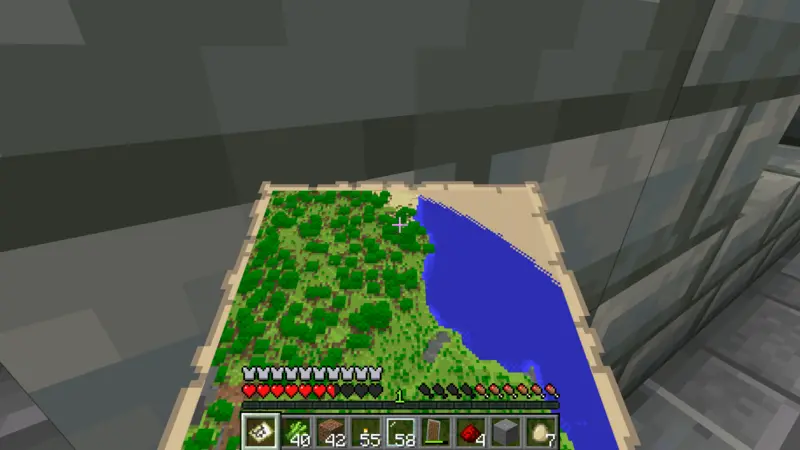
I combine paper and the compass to make a blank map, then hold it and open it. The initial map does not cover this entire castle town, so I move to the cartography table.
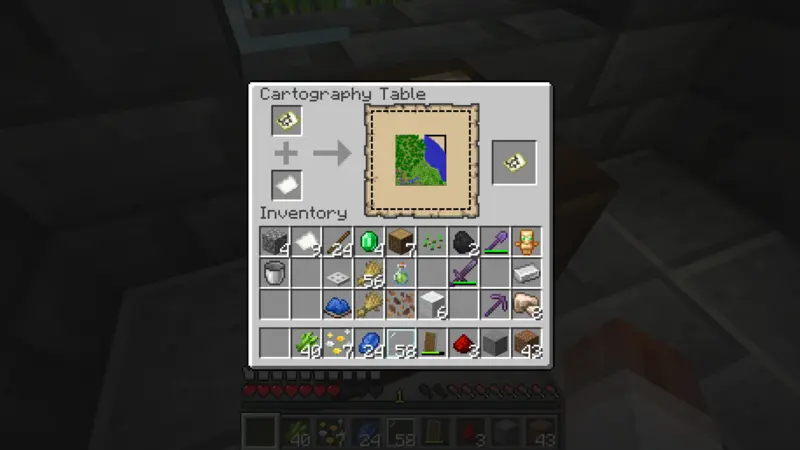
Placing the map in the upper slot and paper in the lower slot expands its displayed area by one level. The official Minecraft cartography table article also explains that combining a map with paper produces a map covering a larger area.
I expand this map twice to scale 2. Scale 1 does not include the town’s western edge and cow farm in this test, while scale 2 fits the whole town.
That is a choice for this town, not a claim that scale 2 is best for every map.
Touch Banners While Holding the Map
I place banners at four locations: the cartography house, watchtower, archaeology museum, and cow farm.
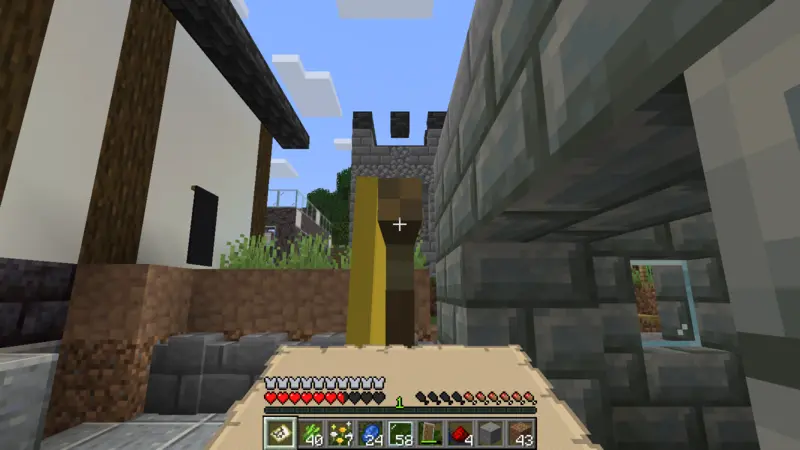
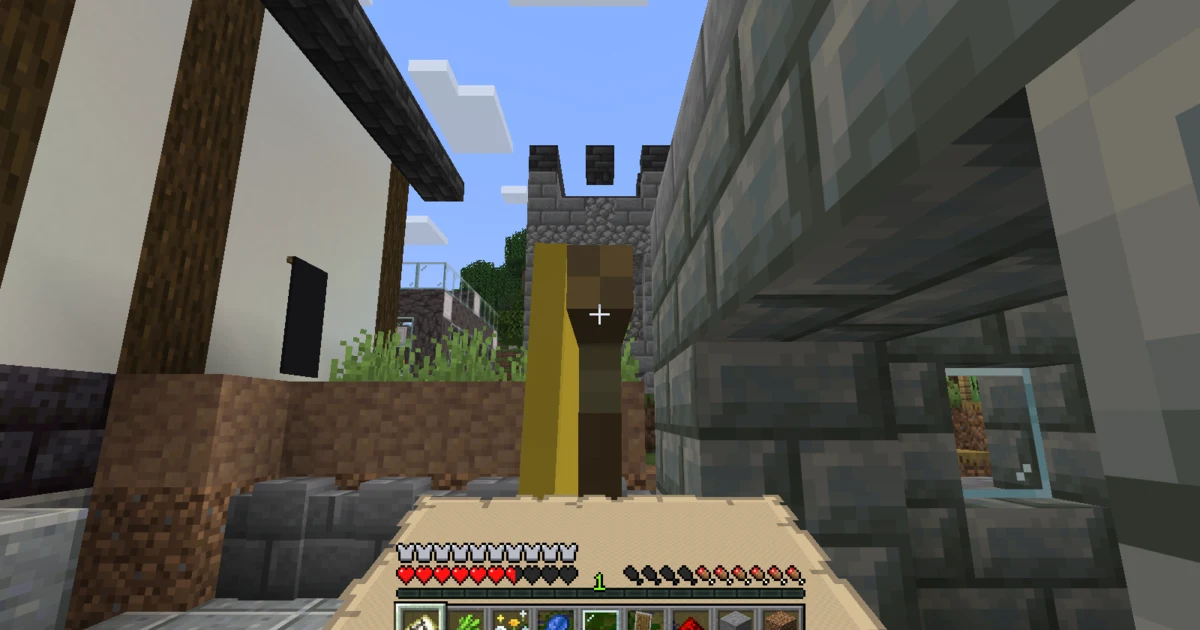
I touch a placed banner once while holding the map. In this Java Edition test, an icon of the same color appears on the map.
Touching the same banner again removes the icon in this test. If I remove one by mistake, I touch it once more to restore it.
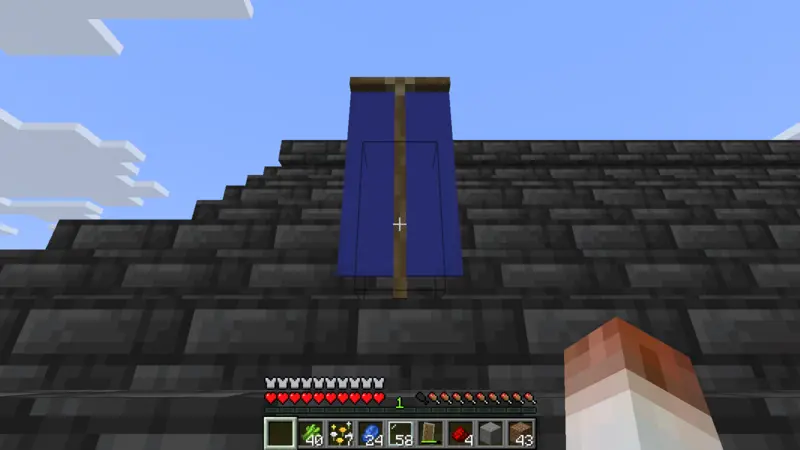
I use a blue banner for the watchtower. Different colors make large landmarks easier to distinguish on the map.
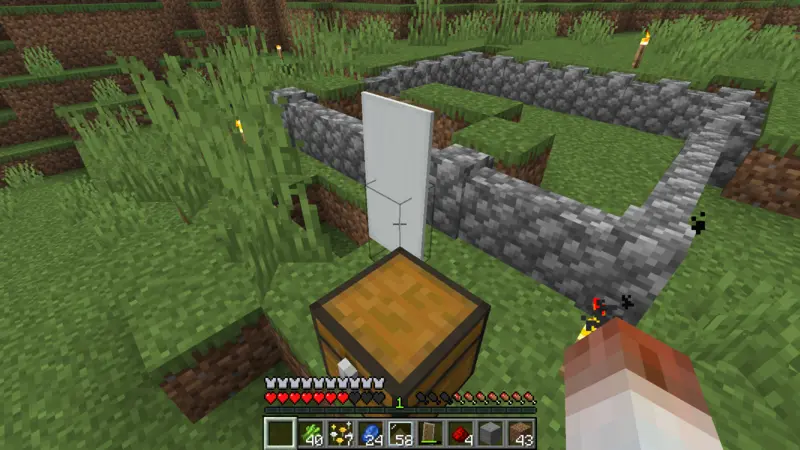
I use a white banner for the cow farm. You can vary or match colors according to the landmarks you want to recognize; this article does not claim a maximum or an ideal color scheme.
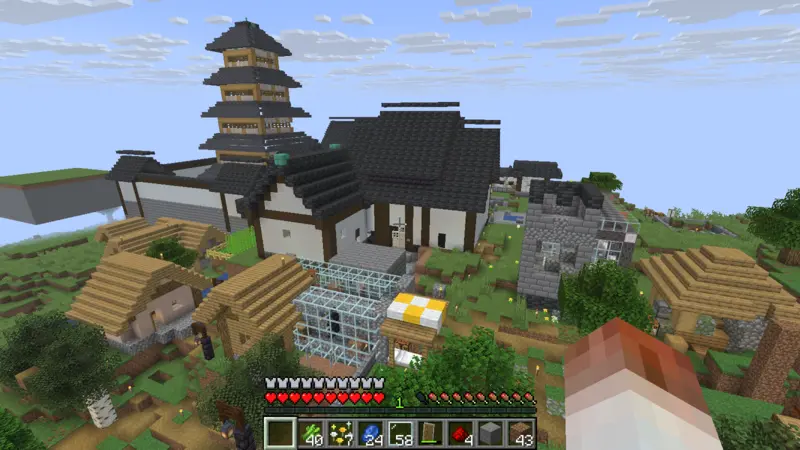
After adding all four markers, I walk around town with the map. The terrain, buildings, and marker positions become visible together, revealing connections that are harder to notice while walking at ground level.
Display the Finished Map and Check Missing Markers
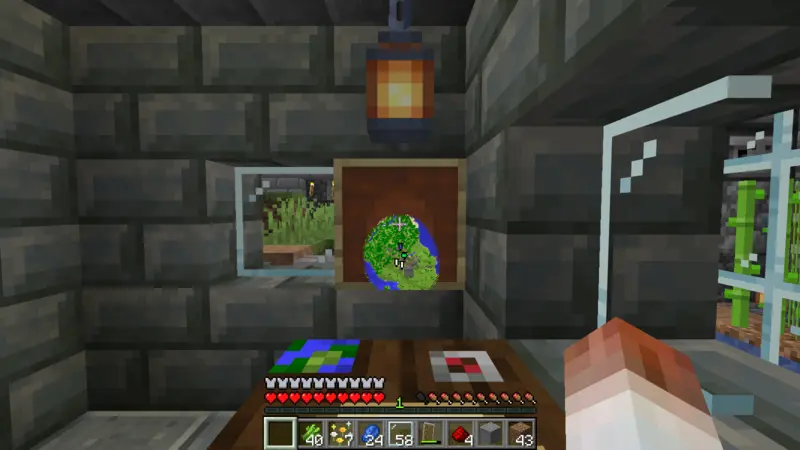
I place the finished map in an item frame inside the cartography house. The official Minecraft item frame article explains that a map in an item frame fills one block of display space.
Displaying it on a base wall turns the map into a town guide instead of leaving it only in my inventory.
If a banner icon does not appear, I check:
- I am playing Java Edition.
- The banner is placed on the ground or a wall.
- I am holding the target map when I touch the banner.
- I did not touch the same banner twice and remove the icon.
- The banner’s location is inside the displayed map area.
If the map area is too small, I combine it with paper at the cartography table until it covers the area I need. Expanding too far makes buildings look smaller, so I choose the scale around the landmarks I want to read.
The full castle-town mapping story appears in OjiCra Season 3 Episode 56.
Frequently Asked Questions
- How did I add a banner marker to the map?
- In Java Edition 1.21.11, I held the target map and touched a placed banner once. A matching-color icon appeared.
- How did I remove or restore a banner marker?
- Touching the same banner again removed its icon in this test. Touching it once more restored the marker.
- What goes into the cartography table to expand a map?
- Put the map in the upper slot and paper in the lower slot. Each use expands the displayed area by one level.
- Which map scale should I use?
- Choose it around the area you need. Scale 1 missed part of this town and its cow farm, so I used scale 2. That is not a universal best scale.
- Does the same method work in Bedrock Edition?
- This method was observed in Java Edition 1.21.11. I do not claim that Bedrock Edition uses the same interaction.
Colored markers make the town map more enjoyable to read. Starting with one banner at an obvious landmark is an easy way to test the result.
That is all for this time.
Greetings.