Greetings.
I am a man in a suit who has fallen into the world of Minecraft.
A beacon needs five glass, three obsidian, and one Nether Star.
Place the crafted beacon on a base made from eligible blocks to send a beam into the sky.
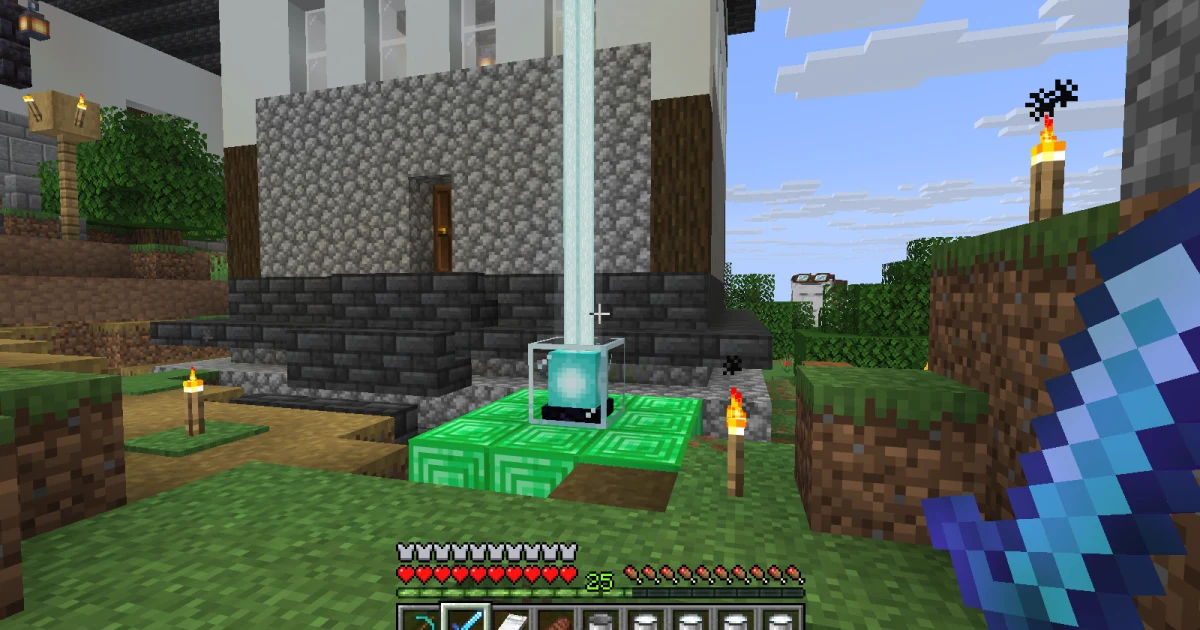
In OjiCra, we light one on a single-layer 3×3 base of nine emerald blocks.
A visible beam and an activated effect are separate things, however.
This Java Edition 1.21.11 guide covers the materials, our single-layer example, and checks when the beam does not appear.
Get a Nether Star and craft the beacon
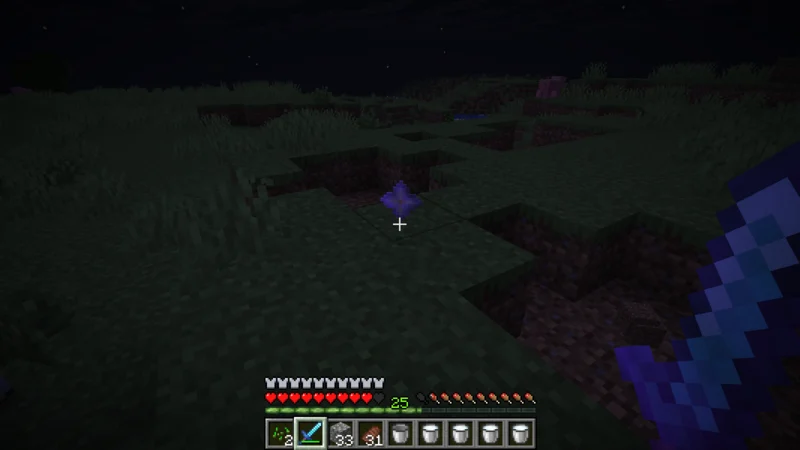
A Nether Star lies on the ground at night.
In OjiCra Episode 84, I use the star from the Wither fight to make a beacon.
The adventure leading to that star belongs in Episode 84, the Wither fight and beacon; here, let us focus on crafting.
Minecraft officially describes the Nether Star as something obtained by defeating the Wither and needed to craft a beacon.
Preparing the base first does not remove the need for that star.
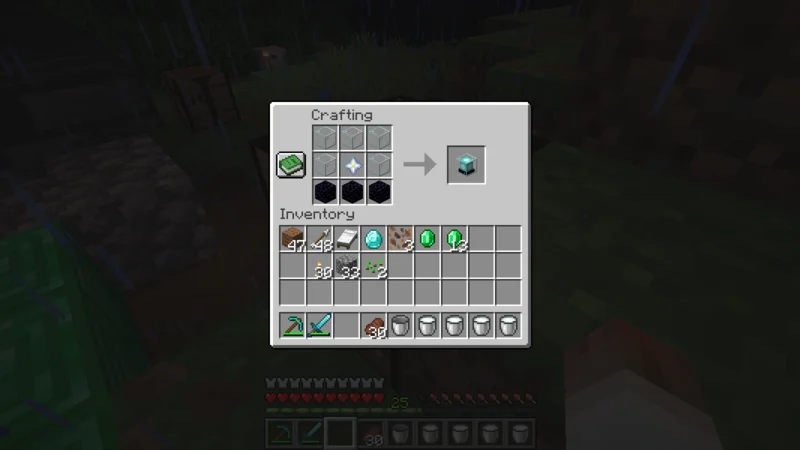
Put three glass across the top crafting row, glass–star–glass across the middle, and three obsidian across the bottom.
One beacon appears in the output slot.
Watching the star become a little box of light is rather satisfying.
These materials and their arrangement match the official recipe introduction and the Java 1.21.11 recipe.
Read the item names too, so a similar-looking item is not mistaken for obsidian or the star.
Place it on a 3×3 base and look up at the beam
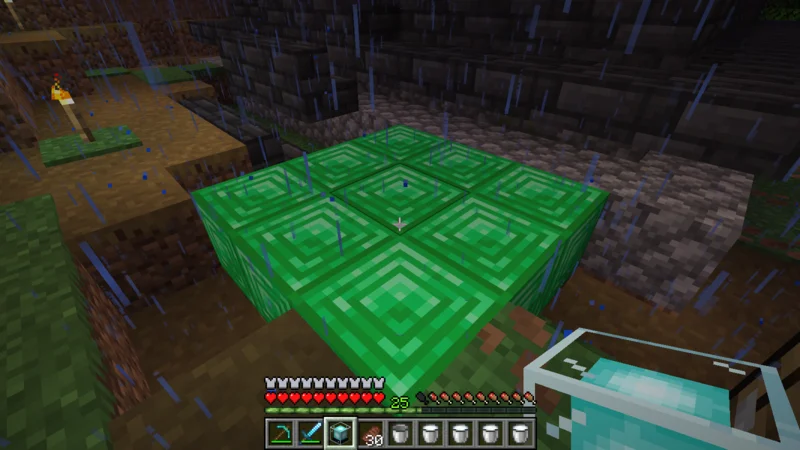
The green blocks form a 3×3 square in front of me.
Here, nine emerald blocks make one complete layer with no gaps.
Place the beacon on top of the center block.
In Java 1.21.11, iron, gold, emerald, diamond, and netherite blocks are eligible base materials.
Emerald is not mandatory; making the same shape from dirt or cobblestone does not activate it.
Our example here uses emerald blocks and a single layer only.
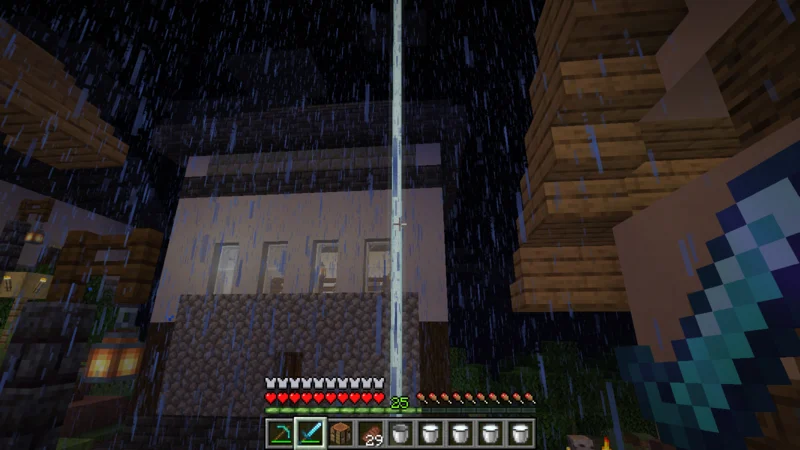
The beam reaches up into the rainy night.
With the beacon in place, a new landmark lights up in front of the music hall.
Looking up from the dark path is a little reassuring.
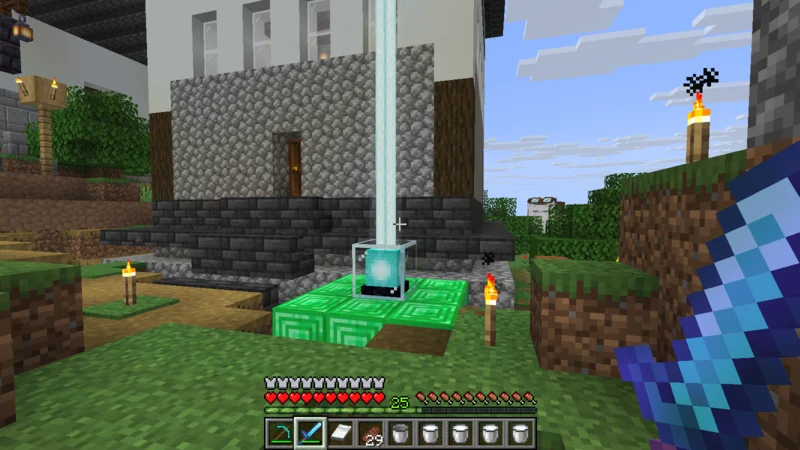
In daylight, the beacon, green base, and beam are all easy to see.
This single-layer base produces the beam.
To use an effect, the next step is to select and confirm it in the beacon interface.
The official introduction explains selecting an effect and inserting a material to activate it.
Do not assume your chosen effect is active merely because a beam is visible; check the selection and confirmation in the interface.
Available effects also depend on the base tier, so lighting a single layer does not prove that every effect is available.
If the beam is missing, check the base and the space above
Start with the base material and placement.
Check that all nine spaces in the 3×3 layer contain eligible blocks and that the beacon sits above the center.
Use actual placed blocks for the base, not material displayed in item frames or items held in your inventory.
Next, check the path above the beacon.
Look for a roof or another block obstructing the beam; an open-sky location makes a useful first test.
Java 1.21.11 checks the blocks overhead to determine the beam path, but this guide does not list every exception involving transparent or other blocks.
If the beam is visible but an expected effect is missing, check the effect selection and confirmation before dismantling the base.
Separating lighting from effect setup makes the problem less confusing.
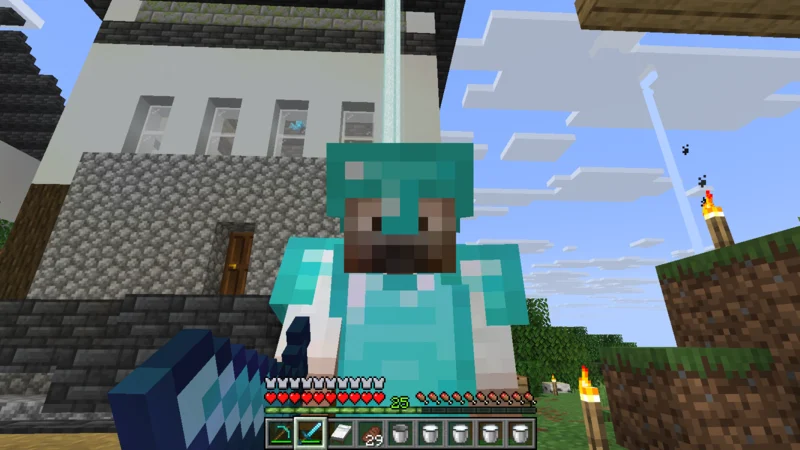
I stand with the music hall and beam behind me.
This single-layer base gives the castle town a new landmark.
Larger bases and different effects can be the next step after checking that the beacon lights.
- QHow many materials does the beacon itself need?
- AFive glass, three obsidian, and one Nether Star. Put the star in the center, obsidian across the bottom, and glass in the remaining top and middle spaces.
- QHow large is a single-layer base?
- AThe single layer shown here for Java 1.21.11 is 3×3, or nine blocks. Place the beacon above the center.
- QDoes the base have to be emerald?
- AJava 1.21.11 accepts iron, gold, emerald, diamond, and netherite blocks. The photographed example uses nine emerald blocks.
- QDoes a visible beam mean an effect is active?
- ALighting and selecting or activating an effect are separate. Check the available effects, activation material, and confirmation in the beacon interface.
For more materials and practical guides, visit the Minecraft Memo collection.
Sources: Minecraft: Beacon recipe / Meet the Wither / Java Edition 1.21.11
That is all for this time.
Greetings.