
Greetings.
I am a man in a suit who has fallen into the world of Minecraft.
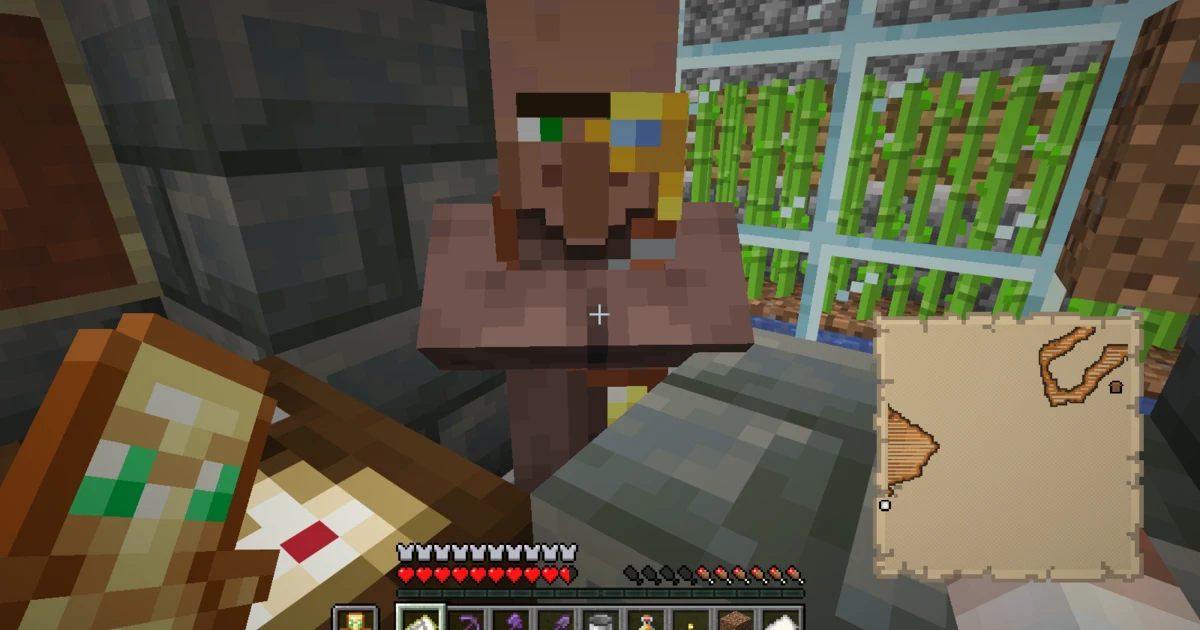
A cartographer is a profession taken by an unemployed adult villager when an unclaimed cartography table is available and reachable.
Trading gives the villager experience and raises the profession through novice, apprentice, journeyman, expert, and master levels.
The offers and displayed prices can vary with conditions.
This guide keeps Minecraft’s general guidance, the base values we checked in the Java Edition 1.21.11 data, and our Season 3 trade results separate.
- Workstation: cartography table
- Leveling method: trade to earn villager experience
- Profession levels: novice, apprentice, journeyman, expert, and master
- Restocking check: make sure the cartographer can reach and work at their own cartography table
- Prices below: Java Edition 1.21.11 base values; always follow the offers shown in your game
How to give a villager the cartographer profession
A cartography table is crafted with two sheets of paper and four wooden planks.
Minecraft’s official material describes it as the cartographer’s workstation, and players can also use it to copy or expand maps.
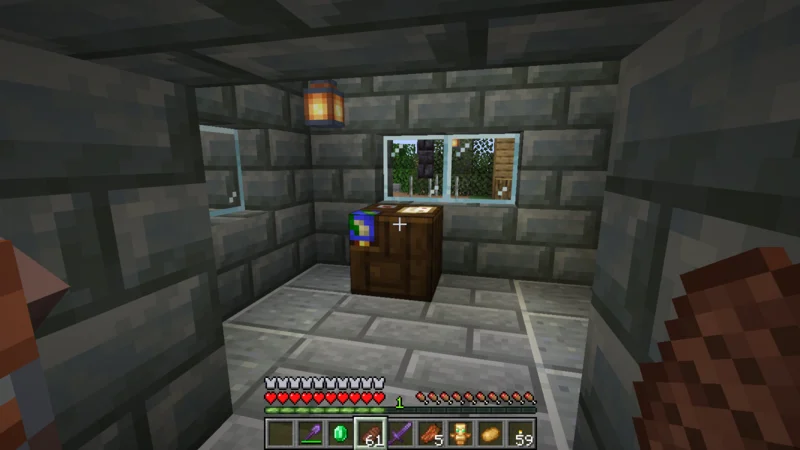
Place an unclaimed cartography table where an unemployed adult villager can walk to it.
Also check that the villager is not wearing green: Minecraft’s official Nitwit article explains that nitwits do not work or trade.

In our workshop, the villager becomes a cartographer after I clear a route to the cartography table.
If nothing happens, check whether the villager can walk to the block and whether another villager has already claimed it.
In the Java Edition 1.21.11 data we checked, baby villagers do not have work activity, and interacting with them does not begin a trade.
This is a version-specific check, so I simply wait for an adult villager here.
The workshop build and our first paper trade appear in OjiCra Season 3 Episode 53.
Cartographer trades by level
The following list shows candidates and base quantities found in the Java Edition 1.21.11 data for a plains cartographer.
Displayed prices can change with factors such as reputation and demand, so these are not universal fixed prices.
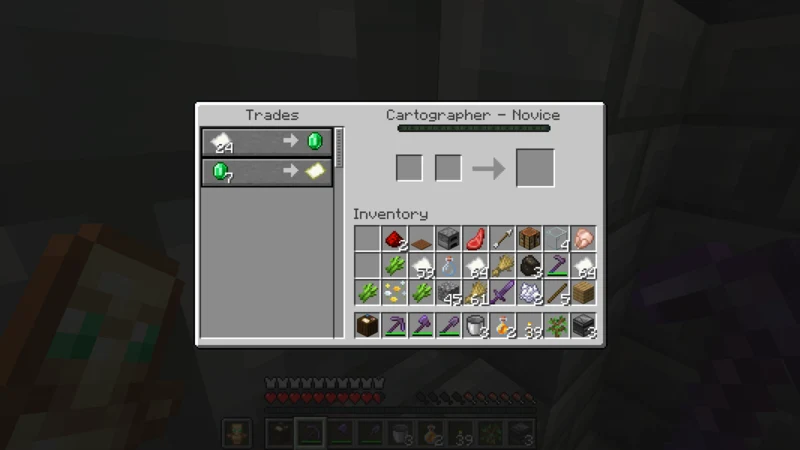
- Novice, starting cumulative XP 0: 24 paper for 1 emerald; 7 emeralds for 1 empty map
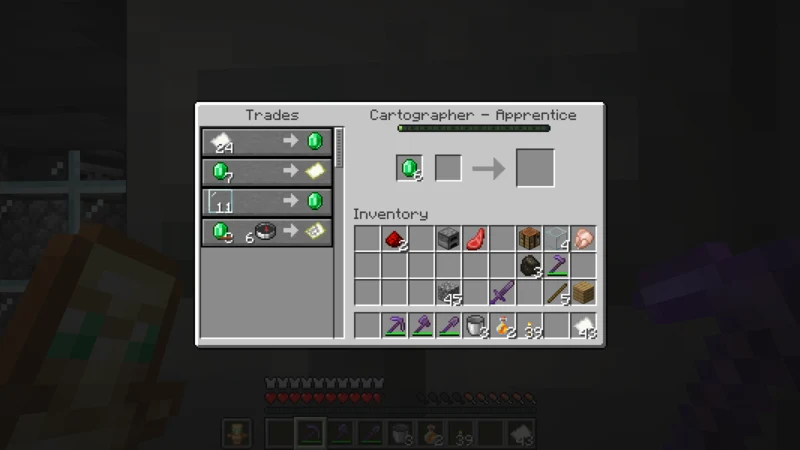
- Apprentice, starting cumulative XP 10: 11 glass panes for 1 emerald; 8 emeralds and 1 compass for a Savanna or Taiga Village Map
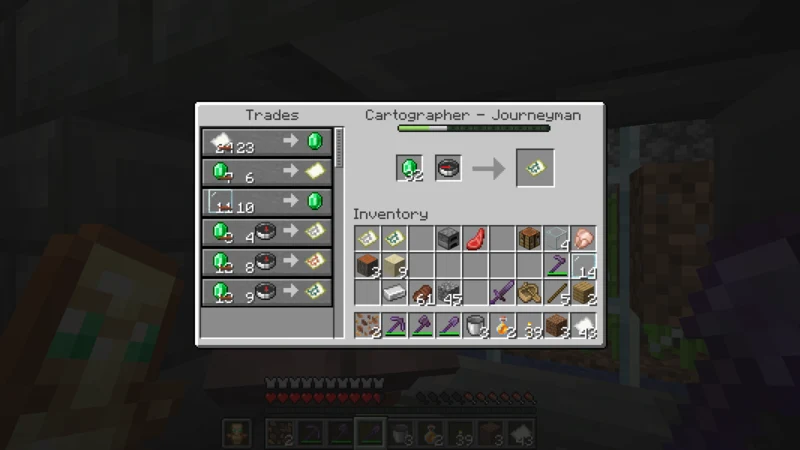
- Journeyman, starting cumulative XP 70: 1 compass for 1 emerald; 13 emeralds and 1 compass for an Ocean Explorer Map; 12 emeralds and 1 compass for a Trial Chambers Map
- Expert, starting cumulative XP 150: 7 emeralds for 1 item frame; 2 emeralds for 1 colored banner whose color varies by villager type
- Master, starting cumulative XP 250: 8 emeralds for 1 Globe Banner Pattern; 14 emeralds and 1 compass for a Woodland Explorer Map
Candidate combinations and displayed prices can differ.
Check both the item name and quantity in your own trading screen before committing resources.
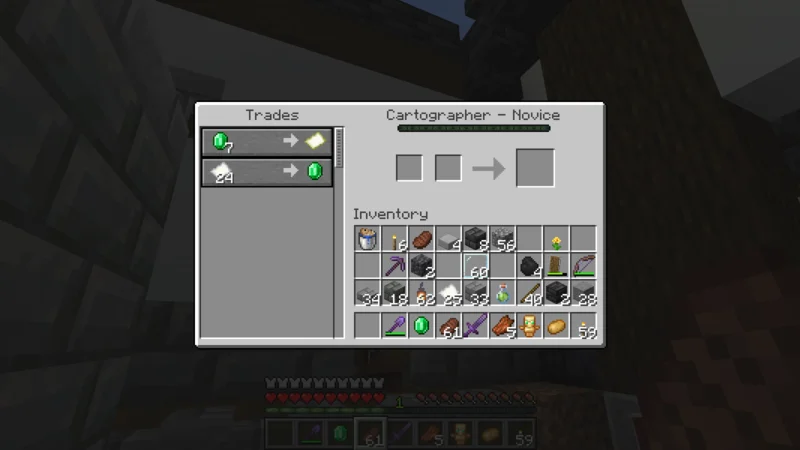
In Season 3 Episode 53, one trade of 24 paper for 1 emerald raises this cartographer’s experience from 0 to 2, and the remaining paper-trade uses shown on screen drop from 12 to 11.
That is a result from this particular trade screen, not a universal rule.
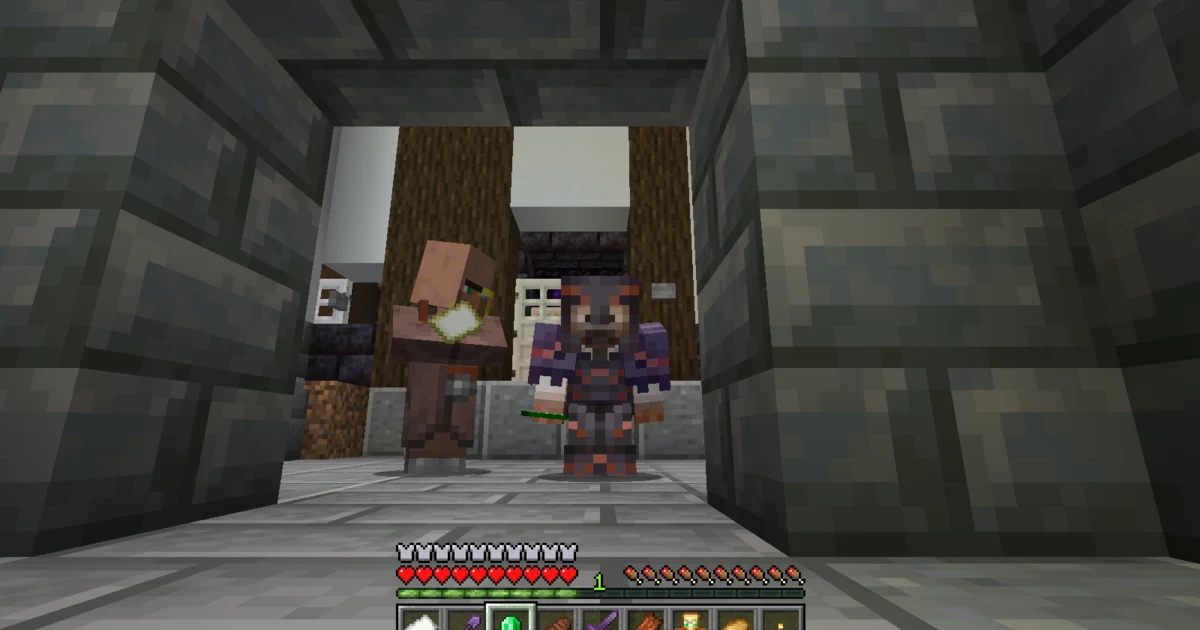
In Season 3 Episode 61, I level a different cartographer to apprentice with six paper trades.
Six more glass-pane trades then take this cartographer to journeyman.
For a continuing paper supply, see our automatic sugar cane farm using an observer and pistons.
At apprentice level, this cartographer shows a trade for 11 glass panes and a Savanna Village Map.
Read the result item’s name to see which map is actually offered.
An Ocean Explorer Map is among the journeyman candidates in the Java Edition 1.21.11 data.
Our actual screen shows a price of 9 emeralds and 1 compass, different from the jar base value of 13 emeralds.
I record that as our observed price without assigning the difference to a single cause.
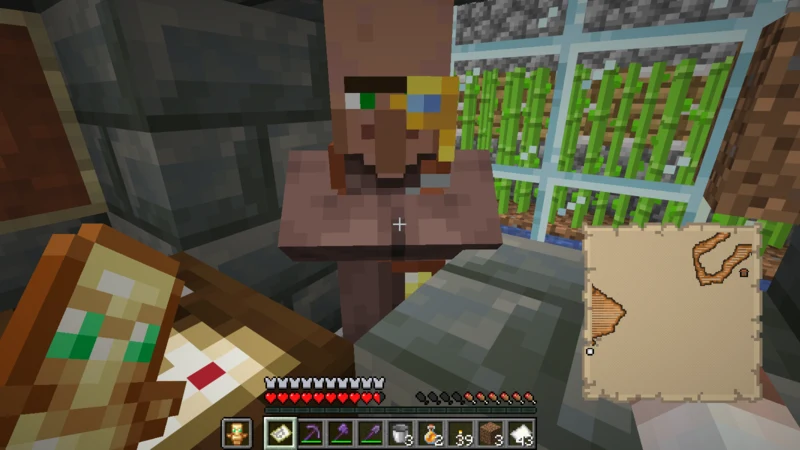
Our Ocean Explorer Map guide covers buying and reading the map.
The expedition that reaches the ocean monument appears in OjiCra Season 3 Episode 61.
What to check when cartographer trades do not restock
When a sold-out trade remains unavailable, first check whether the cartographer can reach and work at their own cartography table.
Look for a blocked route, a distant workstation, or a cartography table claimed by another villager.
An older official Minecraft article describes villagers restocking a set number of times per day, but we do not use that older statement as a fixed current count.
Instead, watch whether this cartographer reaches the workstation and whether the trading screen changes.
- Can the cartographer walk to the cartography table?
- Has another villager claimed that table?
- Is the traded-with cartographer still connected to the same workstation?
- After waiting, does the cartographer work at the table and does the offer change?
Starting with the workstation connection helps us troubleshoot without promising a fixed number of restocks.
Frequently asked questions
- What is the cartographer’s job-site block?
- The cartography table. Place an unclaimed one where an unemployed adult villager can reach it.
- What should I check when a villager will not become a cartographer?
- Check that the villager is an unemployed adult, can walk to the table, and is not a green-robed nitwit. Also check whether another villager has claimed the workstation.
- Which trades should I use to level up a cartographer?
- Choose from the offers actually shown and the materials you can supply. We use paper and glass panes, but that is not a universal best route.
- Are the trades at each level always the same?
- No. The Java Edition 1.21.11 data contains multiple candidates, including offers that vary by villager type. Follow your own trading screen.
- Why is my price different from the list?
- Displayed prices can change with multiple conditions, including reputation and demand. The list uses base values from the jar data.
- What should I do when a sold-out trade does not restock?
- Check whether the cartographer can reach and work at their own cartography table. Inspect the route, workstation connection, and trading screen without assuming a fixed restock count.
- At what level can I look for an Ocean Explorer Map?
- It is a journeyman candidate in the Java Edition 1.21.11 data. Check the result name and displayed price before buying.
When leveling a cartographer, begin with a reachable workstation and follow the offers shown in front of you.
Keeping base values separate from our observed trades makes differences easier to understand.
Find more tested guides in the OjiCra Minecraft Memo archive.
That is all for this time.
Farewell.