
Greetings.
I am a man in a suit who has fallen into the world of Minecraft.
Decorative fireworks take two crafting stages: make a firework star from gunpowder and dye, then combine the star with paper and gunpowder to make a rocket. Choose the color, shape and twinkle while making the star.

This is the morning after our fireworks display. This guide is about the patterns in the sky; flight rockets have their own guide. The photographs are Java Edition 1.21.11 examples, while the basic recipes come from Minecraft’s official explanation.
Start with gunpowder and dye, then add effects
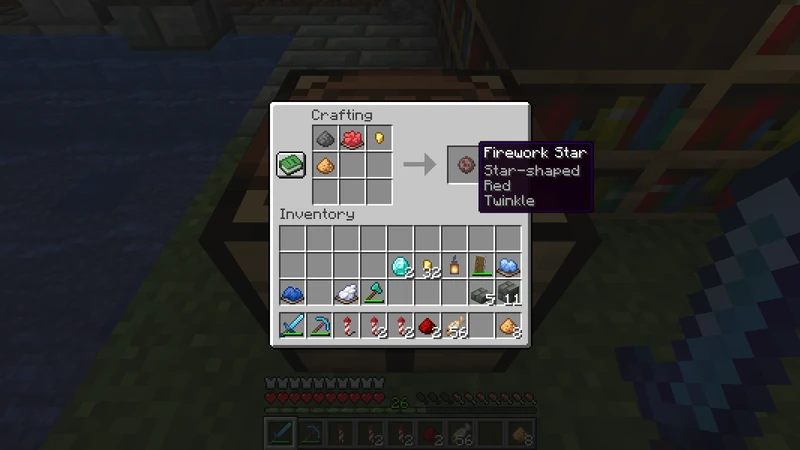
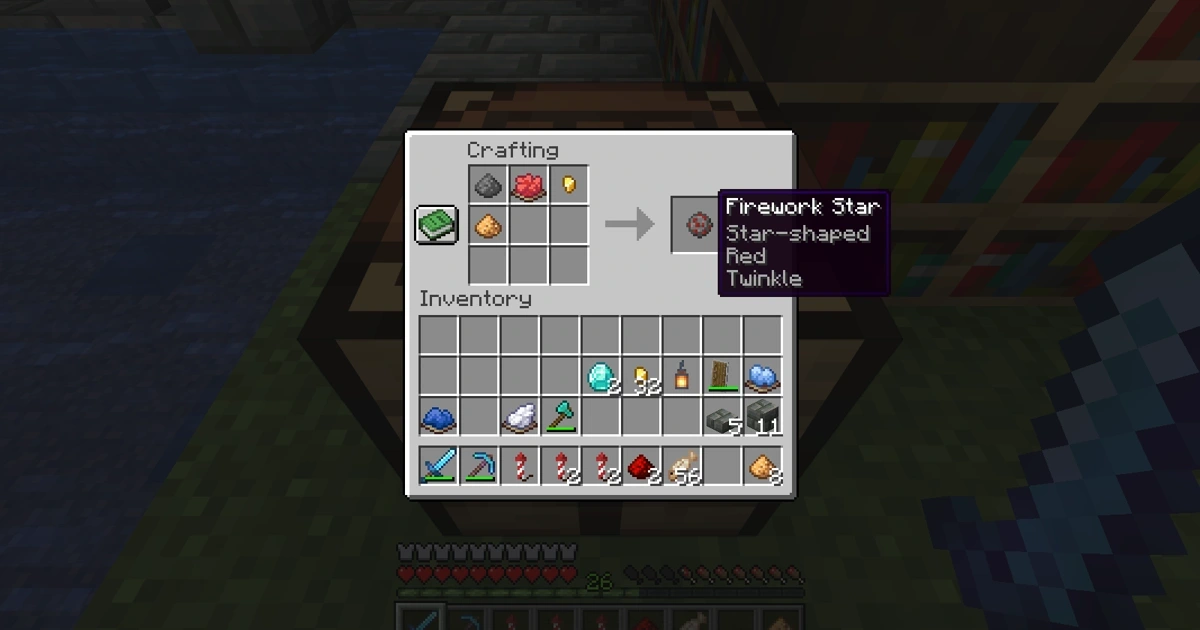
The ingredients here are one gunpowder, one red dye, one gold nugget and one glowstone dust. The output tooltip reads Star-shaped, Red and Twinkle. I arrange these materials after the festival to check the recipe, then return them without taking the output.
Gunpowder and dye form the basic star. Add the shape and effect ingredients at this stage and inspect the result before crafting.
| Ingredient for the star | Purpose |
|---|---|
| Gunpowder + dye | Basic star and color |
| Add a gold nugget | Star shape |
| Add glowstone dust | Twinkle |
| Add a diamond | Trail, from the official explanation |
These ingredient roles are described in Minecraft’s official fireworks guide. The diamond trail is general official information, not a separate ingredient test shown in these photographs. Starting with a color and a star shape makes the process pleasantly manageable.
Combine the star with paper and gunpowder
For a basic crafting batch, combine one paper, one gunpowder and one completed firework star in a crafting table, then take the rocket from the output. Making a star and turning it into a rocket are separate steps. Keep these ingredients separate from the star-free rockets made for travel.
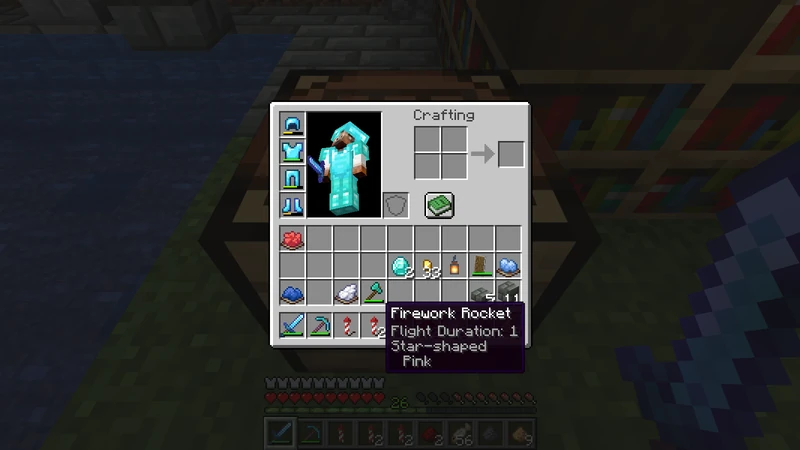
This tooltip belongs to a separately made pink rocket. The red recipe above does not turn into a pink result. To change the color, choose the dye when making the star. Reading the completed rocket’s tooltip lets you check its color and shape before launching.
For travel, see the separate elytra firework rocket guide. The decorative recipe here is not a recommendation for flight.
Try a small batch and watch the result
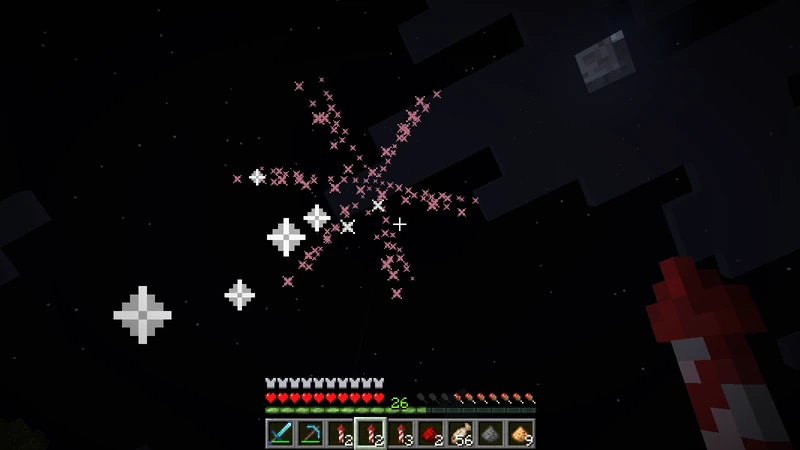
A pink star opens in the night sky. In this example, I launch a handheld rocket by using it on the ground. Trying a small batch first lets you check the appearance before spending more materials on a display.
- QWhy does my rocket fly without a colorful explosion?
- ACheck whether a firework star was included. Gunpowder and paper alone are a different recipe.
- QDo I use a gold ingot for the star shape?
- AThis recipe uses a gold nugget. Add it while crafting the firework star.
- QWhen do I choose the color?
- AChoose the dye while making the firework star. Read the star’s color tooltip before combining it into a rocket.
- QAre twinkle and trail the same effect?
- AThe official guide assigns twinkle to glowstone dust and trail to a diamond. Visible particles alone do not establish which ingredients were used.
See the town celebration in Episode 104: the fireworks festival. Watching a color I picked open above the town is enough to send me back to the crafting table for another batch!
That is all for this time.
Greetings.